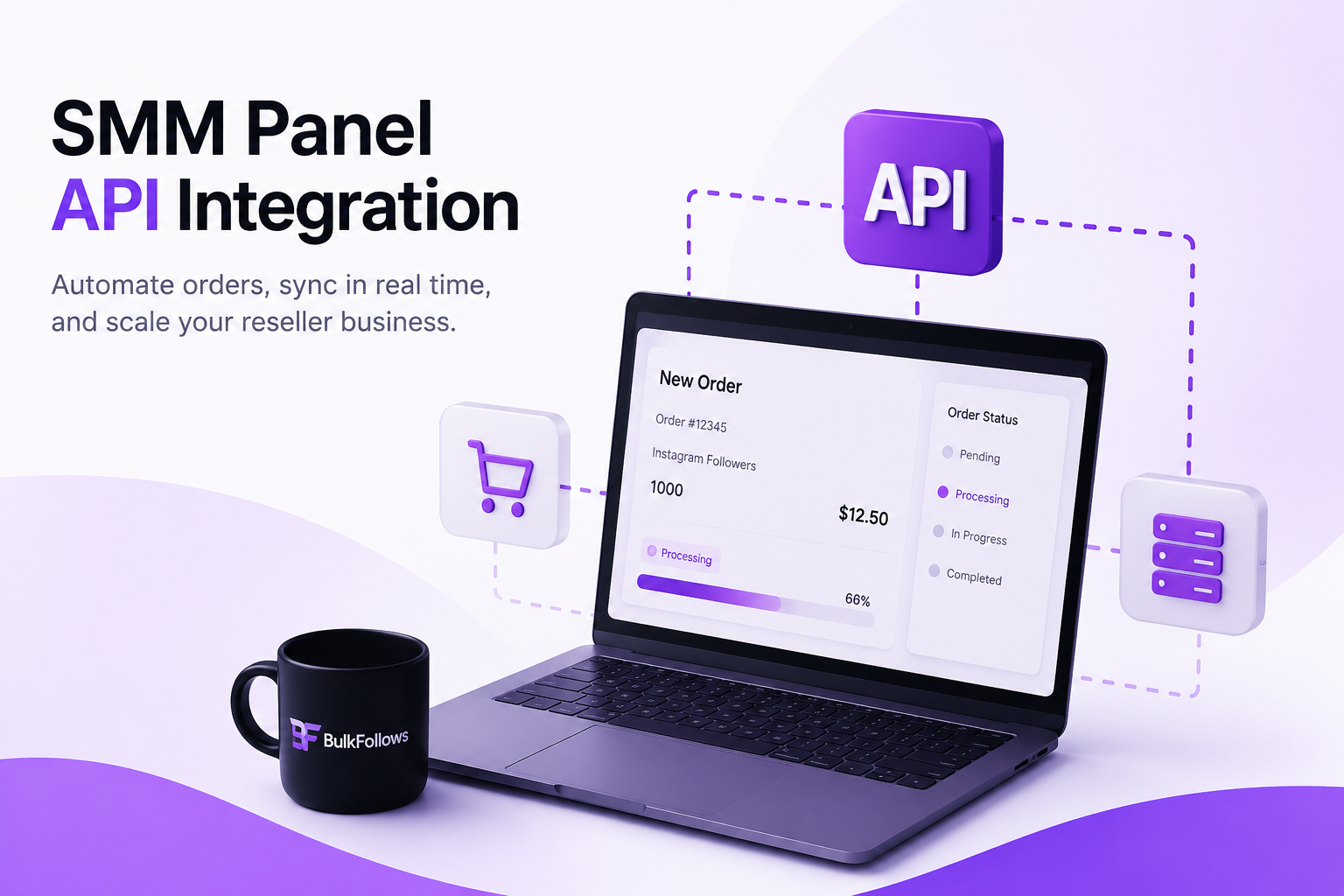
This guide covers exactly how SMM panel API automation works, why it changes the economics of running a reseller business, and how to get your first integration running — whether you write code or not.
What Manual Order Processing Actually Costs You
Most resellers underestimate this. Here's an honest breakdown:
| Factor | Manual Workflow | API-Connected Workflow |
|---|---|---|
| Order processing time | 5–15 minutes per order | Under 5 seconds |
| Daily capacity (solo) | 30–50 orders maximum | Effectively unlimited |
| Error rate | High — copy-paste mistakes common | Near zero |
| Customer status updates | Manual or delayed | Real-time, automatic |
| Availability | Business hours only | 24/7/365 |
| Cost to scale | Grows linearly with volume | Nearly flat |
At 100 orders a day, manual processing runs to roughly 13 hours of pure admin. That's not a business — that's a job with no ceiling on hours and no path to growth.
One reseller processing 70+ orders daily by hand was spending close to five hours on order handling alone. After connecting the API and configuring a basic pre-built panel script, that dropped to under 30 minutes — mostly just monitoring and client communication. Same revenue, a fraction of the time.
How the SMM Panel API Works
An SMM panel API is a direct connection between your platform and BulkFollows that handles order placement, tracking, and updates automatically — no login, no manual steps, no copy-pasting. Once your integration is running, the full order flow looks like this:
- A customer buys on your site and enters their Instagram or YouTube link
- Your platform sends the order details to BulkFollows via API — this takes under a second
- BulkFollows receives the order, confirms it, and returns an order ID
- Delivery begins automatically on BulkFollows' side
- Your platform checks in periodically and updates the customer with live progress
- Order completes. Customer sees it. You didn't touch a thing.
| Endpoint | What It Does |
|---|---|
| /services | Returns the full service catalogue — IDs, prices, min/max quantities |
| /order | Places a new order and returns a confirmation ID instantly |
| /status | Returns current status and delivered count for any order |
| /orders | Returns status for multiple orders in one call — use this at scale |
| /balance | Returns your current account balance |
| /refill | Submits a refill request for eligible completed orders |
Getting Your First API Integration Running
The right approach depends on where you're starting from:
| Your Situation | Best Approach | Time to Live |
|---|---|---|
| Brand new reseller | Pre-built SMM panel script with API support built in | 1–4 hours |
| Existing website | PHP or Python — connect API to your current stack | 1–3 days |
| Non-technical operator | No-code tools like Make or Zapier | 2–6 hours |
| Agency, multiple clients | Custom integration with multi-account routing | 3–7 days |
Step 1 — Get your API key. Log into your BulkFollows account and go to the API section. Copy your key and store it somewhere secure.
Step 2 — Read the documentation. Full docs cover every endpoint, required parameters, and example responses. Twenty minutes here saves hours of troubleshooting later.
Step 3 — Test before you launch. Run small test orders through every part of the flow. Bugs found in testing cost nothing. Bugs found after launch cost clients.
Step 4 — Set up logging from day one. Log every request and response with timestamps. When something goes wrong at scale, logs are what you diagnose it with in minutes.
Advanced API Features Most Resellers Skip
Drip-feed scheduling
Spread delivery over a defined time window for more natural-looking growth. Clients who want gradual follower increases get better retention and less platform scrutiny. Set it at the time of order placement.
Automated balance monitoring
Call /balance on a daily schedule and trigger an alert below a threshold you set. Running out of balance mid-day while clients are actively ordering is entirely avoidable — but it happens constantly to resellers without this in place.
Refill automation
BulkFollows offers refill guarantees on many services. The /refill endpoint lets your system automatically submit a refill request when a completed order drops below the delivered count. Build this in and you eliminate a whole category of client complaints before they happen.
Multi-provider failover
Advanced resellers connect multiple panel APIs in parallel. If one provider goes offline, orders automatically re-route to the backup. Delivery promises stay intact regardless of any single provider's issues.
What to Avoid
- Exposing your API key in client-facing code or public repos — the #1 security failure for new integrations.
- Ignoring error responses — every API call can fail. Silent failures are what turn a delayed order into a chargeback.
- Polling too aggressively — checking status every 30 seconds across hundreds of orders hits rate limits. Batch calls using /orders and use 5–15 minute intervals instead.
- Skipping the test phase — a configuration mistake found in testing costs nothing. Found after launch, it costs clients.
- Not testing service quality first — some services retain better than others. Test on small orders before selling high-volume packages.
- Going silent when orders are slow — automatically notify clients with an updated status on delays. Silence turns a slow order into a dispute.
Questions Resellers Usually Have
Do I need coding experience to use the BulkFollows API?
Not necessarily. Pre-built SMM panel scripts handle the API connection through a settings panel — enter your key and it connects. If you're building something custom, basic PHP, Python, or Node.js knowledge is enough.
Is there a cost for API access?
No. API access is included with your BulkFollows account at no extra charge. You pay only for the services you order at the same panel rates — no setup fee, no monthly subscription.
Can I build a white-label panel using the API?
Yes — your own brand, your own pricing, BulkFollows handling delivery in the background. Clients never know your backend provider. BulkFollows also offers a free child panel if you'd rather not build from scratch.
What happens when an API order fails?
The API returns a specific error code and description. Your system should log the failure, inform the customer, and handle it — retry, route to an alternative, or issue a credit.
Is there a rate limit on API calls?
Yes. Batch status requests using /orders rather than individual /status calls. Check the BulkFollows API documentation for current limits.
The Verdict
Manual processing has a ceiling. The API removes it.
The resellers who build real volume on BulkFollows aren't doing anything complicated. They connected the API, tested it properly, and let it handle the operational work while they focused on finding clients. Orders processed while they slept, clients got real-time updates without emailing in, and volume scaled without adding hours.
| Your Starting Point | Recommended First Step | Expected Outcome |
|---|---|---|
| Brand new reseller | Free child panel + pre-built script | Reselling in under 24 hours |
| Existing panel, manual orders | API key + connect to current platform | Eliminate manual processing this week |
| Agency managing clients | Custom integration with multi-account routing | Handle volume without extra staff |
| Advanced reseller | Add drip-feed, failover, refill automation | Near-zero downtime, higher margin |
