العربية

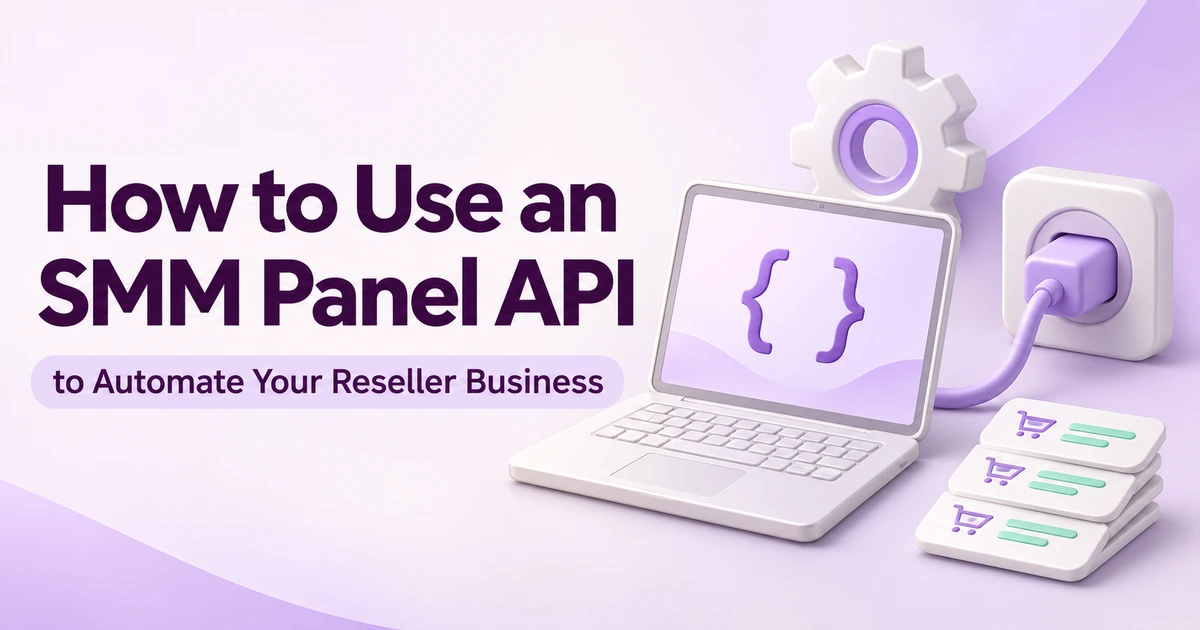
How to Use an SMM Panel API to Automate Your Reseller Business
Published 2026-06-25
An SMM panel API connects your order software to a supplier, so you can submit orders and retrieve progress without copying every link by hand. The real test comes later: a customer asks where an order is, a connection drops, or a service changes. Your integration should leave a clear record of what happened, not a second charge and a guessing game.
This guide follows the BulkFollows API from the first read-only check to a traceable order. You do not need to be a developer to use the checklist when reviewing an integration someone builds for you.
The connection in plain English
Your customer uses your website. Your server communicates with BulkFollows. The supplier's reply goes back to your server, which updates the customer's order record. The API key belongs in that server-side connection, not in the page the customer opens.
The BulkFollows documentation specifies POST requests to https://bulkfollows.com/api/v2 and JSON responses. An action parameter selects the operation. You do not need to invent a different URL for every task.
| Task | Action | What to keep |
|---|---|---|
| Read the catalogue | services | Service ID, limits and conditions |
| Submit an order | add | Returned supplier order ID |
| Check progress | status | Status, charge and remaining quantity |
| Check funds | balance | Balance and currency |
| Request a refill | refill | Refill reference or error |
| Check a refill | refill_status | Its own progress, separate from the original order |
The catalogue also reports minimum and maximum quantities and refill/cancellation flags. Order fields vary by service type. A form that accepts a link and quantity may be suitable for one service and incomplete for another.
Build the order workflow before adding shortcuts
1. Confirm that you can read the account
Retrieve the service list and balance in a private development environment. Check that currency, service IDs and errors appear correctly in your software. These reads help confirm the connection without deliberately placing an order.
2. Validate the customer's choice
Before submission, check the service ID, quantity limits and required input. A post link and a profile link are different things. Show the relevant service conditions before payment, then save the choice and conditions with the purchase. If the catalogue changes tomorrow, yesterday's order should still be understandable.
3. Record the supplier's response
Create your own customer reference first. When BulkFollows returns an order ID, save it against that reference. Keep the submission time and result too. Support should be able to answer a customer using a single order history, without searching through messages.
An accepted submission is not completed delivery. Keep those states separate on the customer's screen. If the response contains an error, show a helpful explanation rather than treating every successful network connection as a successful order.
4. Refresh progress without creating new orders
Use status checks to update outstanding purchases. The documented batch operation accepts up to 100 order IDs. That limit is not a recommended polling frequency; confirm operating limits before deciding how often your software should check. When checks fail, space out retries and retain the last known status with its time.
What if the request gets no reply?
A lost reply is the most expensive place to make an assumption. If the submission timed out before an ID arrived, the supplier might still have accepted it. Sending the same purchase again could create another order.
Mark it as awaiting confirmation. Keep the internal reference, submission time and requested service, then reconcile with available supplier records or ask support to investigate. Do not send it to a second supplier while the first outcome is unresolved.
Follow one order from purchase to update
Here is a completed illustrative record, not a real customer order or delivery benchmark. The customer reference is SHOP-1042; the supplier returns 23501.
| Event | Record | Customer-facing meaning |
|---|---|---|
| Purchase captured | SHOP-1042; approved service and quantity | Purchase recorded |
| Submission accepted | Supplier ID 23501 linked to SHOP-1042 | Order submitted |
| Status read fails | Check failed; previous status retained | Latest update temporarily unavailable |
| Next read reports progress | Same supplier ID; fresh status and timestamp | Progress updated |
The failed read never becomes a second purchase. If the customer contacts support during the gap, staff can see that submission was accepted and only the latest progress check failed. That is more useful than a generic “something went wrong.”
Keep credentials out of the browser and logs
Store the key server-side with restricted access. Do not put it in public JavaScript, screenshots, customer emails or repositories. OWASP's secrets-management guidance explains why credentials need controlled storage and handling.
A useful log records the operation, internal reference, supplier ID, time and outcome. It does not need an unredacted API key. Ask your developer to show you an example error log before launch: if you can copy a working credential from it, the logging needs correction.
A short launch review you can actually run
- Invalid input: an unavailable service, wrong link type and out-of-range quantity receive clear handling.
- Repeated clicks: clicking submit twice does not silently create two purchases.
- Unknown submission: a missing response goes to investigation, not automatic reordering.
- Low balance: the person responsible for funding receives a useful alert.
- Support lookup: staff can move from customer reference to supplier ID and back.
- Refill handling: requests and their progress remain distinct from the original order.
Automation does not change the service conditions or the social platform's rules. A refill request is not approval, and API access does not promise audience growth or sales. For remedies, use the refund and refill guide alongside the current terms.
Do you need a custom integration?
Not necessarily. Compatible software or a child panel may fit the job. Review the same failure cases whichever route you choose. A field labelled “API key” tells you that a connection is possible; it does not tell you how well exceptions are handled.
Sources & further reading
Checked 16 November 2026. The workflow and example above are editorial recommendations, not a report of customer performance.
- BulkFollows API documentation — endpoint, actions, parameters and response fields.
- OWASP: Secrets Management Cheat Sheet — credential storage and access practices.
- BulkFollows terms — service conditions and available remedies.
Keep reading